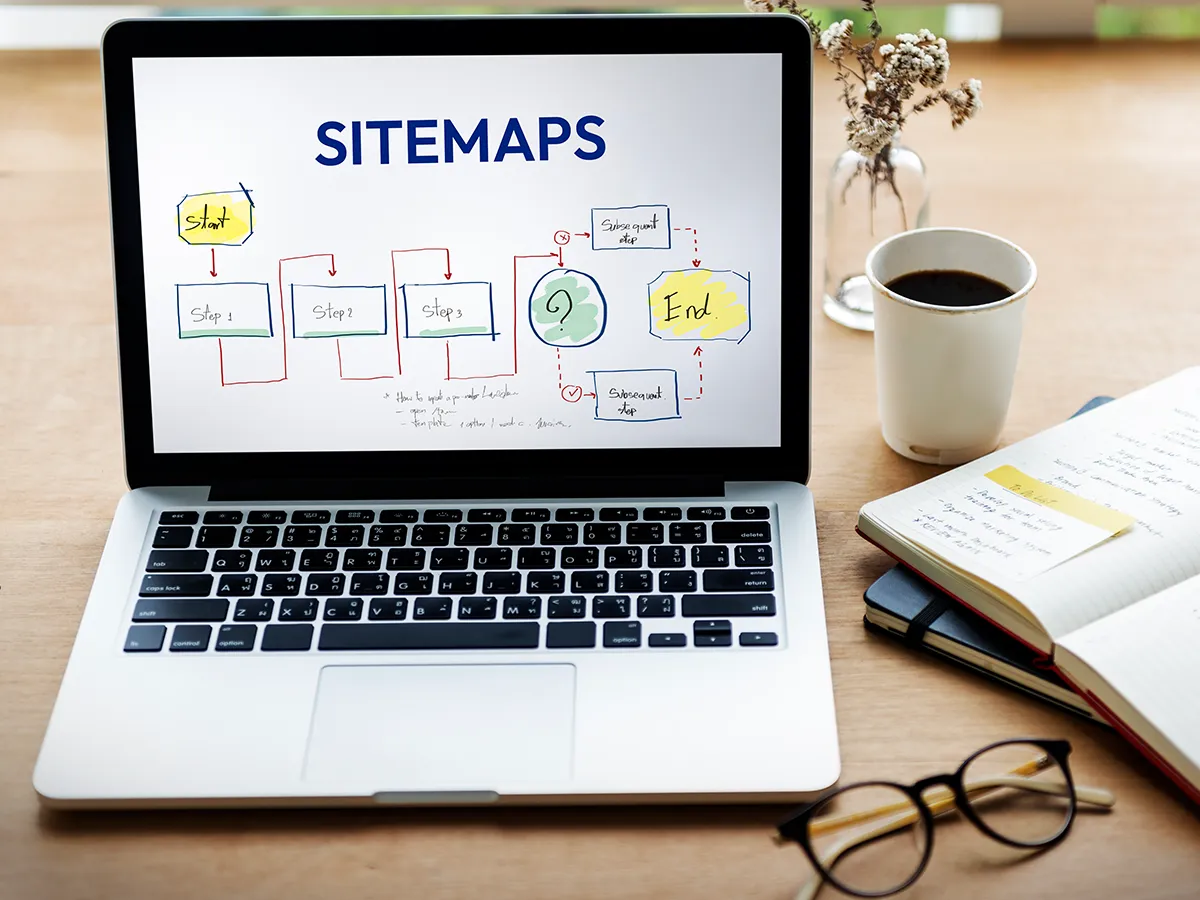
Sitemap as a name suggest is a map (or a blueprint) of your site that give a sense to search engines crawlers understanding the website structure easier to which pages to index first. In a technical perspective, sitemaps are a library where a site main pages, service/product categories pages and even add-on things like videos and images are structured and organized. This, this guide is all about sitemap best practices in 2024.
Many SEO marketers struggles whether to execute sitemap on their site or not. Well, sitemap is not a vital part to put into action as having no sitemap doesn’t mean that your website cannot crawled, it will and won’t affect your SEO. So, this blog aims to inform you what is sitemap in detail, it’s types and the sitemap best practices2024 if you really make a decision.
Let’s begin the journey!
Table of Contents
What is a sitemap in SEO?
A sitemap is a folder where your site pages, videos/audio files as well as news articles, PDFs and Document exist and explain the relations between them. Google search engines read this folder for site crawling. This folder or a Google sitemap let aware google which pages are important to crawl first or to rank first by giving a valuable information about these and to make sure web crawler don’t miss any pages or content when visit your site.
The sitemap SEO tells search engines about key details, like which pages are important, when they were last updated, and if there are alternate versions (like in different languages). You can also give extra information for special types of content, like you can include details like how long the video is, its rating, and if it’s suitable for certain age groups. Moreover, you can show where the important images are on your site and you can add information such as the title of the article and when it was published.
Also, whether you need a sitemap or not, depends on the following aspects:
You will need a sitemap when your site is large or your intent to expand it with time, your website is fresh with less external linking or even backlinking to it as google won’t find your pages when no external sites links in your website pages and when you site has a ton of rich audio and video content.
You won’t need a sitemap when your site has 500 pages or less than it, your site is strategically internally linked as Googlebot can discover all the key site pages by following links beginning from the home page and at last have less rich media files like video or audios or news pages.
For your clarification, we have draft the differences:
Aspect
Sitemap-Based Website
No-Sitemap-Based Website
Crawling Efficiency
style=”border: 3px solid black;”Search engines crawl more efficiently
May limit SEO performance, especially for complex sites
Types of Sitemaps
There are two unique kinds of sitemaps: HTML and XML. Let’s discuss each.
HTML Sitemaps or Hypertext Markup Language
An HTML sitemap is a website page listing all core pages of your site. You can say it act or appear as a table of content.
HTML sitemap support search engine bots as well as viewers to right away go through the pages of your website. HTML sitemap basic focus is to give user a delightful experience when navigating the site giving an easy-to-review sketch of your website’s structure. An HTML sitemap’s URL appears like a normal webpage URL.
XML Sitemaps or Extensible Markup Language
An XML sitemap is a file where you all pages listing exist makes it feasible for crawler or bots to crawl the pages and ran them in the order of preference. Unlike HTML sitemap, XML sitemaps are coded for SERP bots rather than for users.
Beyond pages’ list, an XML sitemap structure for SEO covers other technical details using XML tags such as when the page was lasts updated, page priority against other pages using a 1-10 scale range and the how much the page content has modified.
XML sitemap URL lookalike this “Example: https://example.com/sitemap.xml” Other sitemaps such as video sitemaps, audio sitemaps and news site map also exist to help google learn video, audio content and explore content on websites that are accepted for Google News.
Why are Sitemaps Important?
During your website crawl by bots, the crawlers follow links to find pages. But sometime the smaller or less accessible parts can be ignored. This is especially for those whose site structure is complex or large.
So, in this regard as we discussed sitemap make your site SEO easy for ranking. Having a sitemap, you are basically offering search engine crawlers a directory that ca be easily reviewed for understanding you site and crawl and rank it.
As an example you may operate an ecommerce store with 3, 00, 000 pages. In this you need to sure that your internal linking is done perfectly along with a mass of external links, otherwise Google’s needs to struggles in getting all of those pages. That’s where SEO sitemaps come in.
Best Practices to Optimize Your Sitemaps for SEO
Now let’s understand the sitemap best practices on 2025.
Submit Your Sitemap to Google
This among many sitemap best practices is for those who haven’t created and are in the intention to do so. First create a sitemap. You can go for WordPress where you can get ready-made sitemap from Yoast extension which lets your sitemap update automatically or dynamic sitemap. This means when you add any new content, or new page, a link to that page is added by itself to your sitemap file. Other than yoast, you can also go for ‘Google XML Sitemap’s for sitemap creation.
In case you don’t use a WordPress, then you can use a third-party sitemap maker tool such as XML-Sitemaps.com.
This tool will generate an XML sitemap file for you, and you can use it as your website’s sitemap. Just enter Your Website URL, after that the tool automatically generate the sitemap. Then, download the XML File. Upload the XML file to the root directory of your website (usually through your hosting provider or File Transfer Protocols). You can now submit your sitemap to search engines like Google using tools like Google Search Console.
Give legible score to Your Webpages
Always give priority to your site pages. Google sitemap protocol lets you rank your site pages with a score range in between 0.1 and 1. The high the number the higher the changes your pages will be crawled.
Try give your dynamic page a higher number as you will update here the content most often. For instance, you blog is a place where you update the content most often so give it high score. Likewise, pages such “about us” or a “contact us” have updated once in a blue moon, give it a lower score. So in your sitemap best practices avoid getting indulge in a habit of giving all pages a higher score as search engines.
Like Google evaluate websites and web pages based on specific algorithms and criteria rather than personal opinions or emotions. So, giving all your webpage higher or equal score puts google bots in a tough scenario to which to give importance. Google crawlers failed to differentiate between static and dynamic pages in turn hurts your SEO.
Always evaluate the Sitemap Report to Detect Errors
In your Google Search Console account, you always need to check how many pages google has crawled in the “see page indexing option” to discover sitemap details. This section displays the number of your site page crawled. The report also displays the reasons your pages aren’t indexed.
For instance, some pages ae not crawled with a reason mentioned like “URL redirects”. When you checked the pages, you realized the redirects were done on purpose.
This means you don’t want those old pages to appear in search results because they now lead to more relevant pages. Some of the pages are part of an older website structure that you’ve since updated. The redirect helps confirm both users and search engines get land on the new, correct pages instead of the outdated ones.
As one of the crucial sitemap best practices, you won’t need to fix anything and these pages stays as they should be. But if your seeing the issue you not intended, then get into deeper of it and rectify it as soon as possible to keep everything in flow.
Tie Your Robots.txt and Sitemaps
Imagine your sitemap like a map you give to Google, displaying all the vital pages on your website that you want them to visit and include in search results. Now, your robots.txt file and noindex tags are like “Do Not Enter” signs. These tell Google to avoid or ignore certain pages.
If you list a page in your sitemap (saying it’s significant) but at the same time block it with robots.txt or noindex (saying don’t visit it), it confuses Google. One part says, “This page is important!” but another part says, “Don’t look at this page!” This can upset your website’s ranking because Google gets mixed signals.
So, you make sure that when a page is blocked via Robots.txt or marked with “noindex,” it not be listed in the sitemap at all. This way, you’re giving Google clear instructions while follows the sitemap best practices.
‘robots.txt’ is the filename used for executing the Robots Exclusion Protocol says search engine crawlers which URLs the crawler can access on your website while the noindex value of an HTML robots meta tag requests that automated Internet bots avoid indexing a web page.
Limit the URLs for Each Sitemap
For SME and corporates, this is one of the sitemap best practices. Big website has lots of linking’s and can be overwhelming to add all of them in single sitemap. So, in case to manage the loads of links for each category or service page, what you can do is create a separate sitemap for each. This way you can manage things well and evade any chaos. Having too many links even confuse the viewers and consider as a link farm by SERPs.
Also, in your sitemaps, use canonical version. Let’s say for multiple product variant you have numerous links, then you must add only the basic page URL in your sitemap.
The usage of “link rel=canonical” is an ideal way to tell the SERP which of the site page are main page.
Update Modification Times during big Changes
Among many sitemap best practices, never exploit or trick search engines into re-indexing pages by changing your modification time without any large changes to your site page.
There can be the possible risks of such actions. One is that Google may start eliminating your date stamps when find you relatedly changes modification time without giving new value.
Isolate Indexation Issues
Google search Console can be very messy when found some of your pages are not indexed. These can be 1000 among 10,000 pages. A big problem. Although google now show the reason of those who won’t index. But managing a lots of issue can a bit brainstorming and tough.
This is particularly a true fact for ecommerce business who has multiple page of multiple similar products and categories. So, isolating a problematic page can be a nice way to reduce the burden of evaluating all of them at once.
You can split the product pages into multiple XML sitemaps and experimenting each of them. This way you can make sitemaps that will claim assumptions like “pages that lack product images failed to indexed” or “pages having duplicate content failed to indexed”
Once you isolate the core issue you can then set those pages to “noindex” or fix those issue right away protecting you from reducing the entire websiteSEO quality. In 2018, in terms of Index Coverage, Google Search Console was updated.
Put the Sitemap on Your Root Directory and Homepage
Regarding sitemap best practices, the accurate placement of sitemaps is vital to provide viewers an access to site date easily. HTLP sitemaps are meant to give simple site navigating to viewers.
A right placeman can be a home page is an ideal practice which helps users to easily overview your site. Viewers can gauge the sitemaps and al URL list to get what they searching for rather clicking multiple category and sub categories one by one. Another pro you can gain is that is the SERP crawlers begin crawling you site directly from your home page.
Thus when you add any fresh link, crawlers will easily get that link as you put HTML sitemaps on homepage. While in the situation of XML sitemaps, put it in a root directory to get exact outcomes.
Create Dynamic XML Sitemaps for Large Sites
It’s unbearable to put all your meta robots on big sites. Rather, you must create various rules and logic like at which time a page to be integrated in your XML sitemap or to convert into “index, follow” from “noindex”.
Also, you can explore in-depth guidelines from various online sources, about how you can build a dynamic XML sitemap but still you can make it much easier using tool like Yoast by WordPress, Screaming Frog SEO Spider and Google Search Console to creates dynamic sitemap for you. So, as a sitemap best practice, you should use XML dynamic sitemaps as a large site owner.
Do Use XML Sitemaps & RSS/Atom Feeds
RSS/Atom feeds let aware search engines when we add fresh content or bring new page to website. Google suggests using both RSS/Atom feeds and sitemaps so search engines can understand which pages needs indexing and updating.
So when you in your RSS/Atom feeds add only currently updated content, you’ll allow discovering new content easier for both visitors and search engines, the last sitemap best practice.
Search engines use SEO sitemaps to crawl and index website content efficiently. They discover all pages, including those that may not be easily accessible through internal linking.
You can have multiple sitemaps, especially for large sites, but each sitemap should not exceed 50,000 URLs or 50MB in size. Use a sitemap index file to organize multiple sitemaps.
Sitemaps do not directly impact rankings. But they help search engines find and index your content, which can improve visibility in search results indirectly.
Yes, a sitemap is important for SEO as it helps search engines determine and index your website's pages, for visibility and that all content is crawled.
Conclusion
Sitemaps are string for SEO quality improvement. Having a bigger site or service based lots of videos and audios then going for sitemaps is a right track.
But following certain Sitemap best practices can be smart way to manage your site crawling and helps you in ranking in top 10 pages.
If you want to build a site with a sitemap SEO best practices, contact IT Verticals now and have a free session with us.